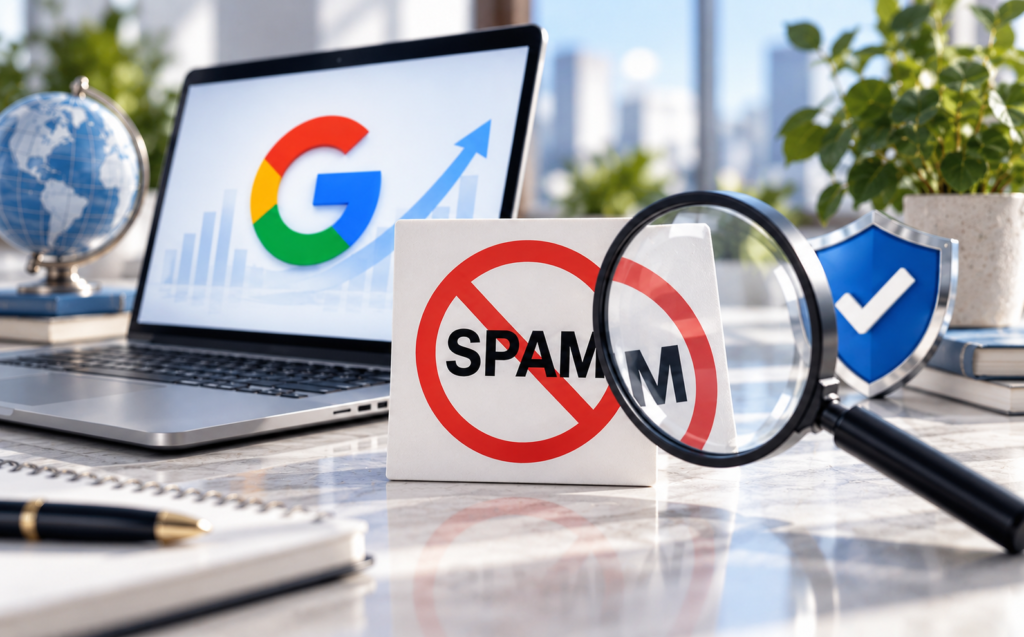
On September 24, 2026, Google rolled out its fourth spam update of the year. It applies to all languages, including Danish, and, according to Google, may last up to two weeks—that is, until around October 8. Here’s a brief overview of what it does and how you can find out if your site is affected.
What does Google's spam update do?
A spam update is affecting sites that violate Google's spam rules. They move further down in the search results or disappear entirely. This happens automatically through SpamBrain, Google’s system for detecting spam, and you won’t receive any notification in Search Console if your pages are affected. Typically, these are the pages that are affected:
- Mass-produced content with no real value for the reader.
- Home Pages (so-called "doorway" pages), such as nearly identical pages for each city.
- Expired Domains, which were purchased and repurposed to rank highly on Google.
- Third-party content on a strong domain, published without editorial review.
If you don't have those kinds of pages, the risk is low. If traffic does drop in the coming weeks, it's more likely due to seasonal factors or your own measurements.
Here's how to tell if you're affected
Four steps in Search Console and Google Analytics will give you the answer. It takes about ten minutes.
Compare clicks before and after September 24
Open Search Console, go to Performance, and select the "Web" search type. Compare the period starting September 24 with the 14 days prior. If your click-through rate is stable, you haven't been affected so far.
Find the pages that have lost clicks
Click the "Pages" tab and sort by "Largest Decline." If the decline is concentrated in a specific type of page—such as city pages or thin product pages—you’re likely affected. If the decline is spread evenly across the entire site, it’s probably due to something else.
Make sure it's not your measurement
If Google Analytics 4 shows a decline but Search Console does not, the problem lies with your tracking setup and not with Google. Search Console counts clicks on Google, while GA4 relies on your cookie banner and tags. Check to see if you’ve made any changes to your consent solution, such as Cookiebot, or in Google Tag Manager.
Wait until Google announces that the update is complete
Don't jump to conclusions until Google has announced that the update is complete on its Google Search status page. If you make changes to pages along the way, you won't be able to tell afterward whether it was Google or you who moved the numbers.
What do you do if you're affected?
If the drop has been confirmed and is concentrated on specific pages, go through them with one question in mind: Does this page help a real reader? Improve the pages that can be salvaged, combine nearly identical pages into one, and remove the rest. Expect it to take time to recover, as Google first needs to detect that the pages have improved.
AI-generated content isn't a problem in and of itself. Google's guidelines focus on whether the content has value, not on which tool was used. We also cover this in our Guide to Google's AI Optimization.
What do you need to have in place for next time?
In 2026, Google rolled out spam updates in March, June, August, and September, and more are coming. The check in Step 3 only works if you can trust your metrics. Three things make it easier:
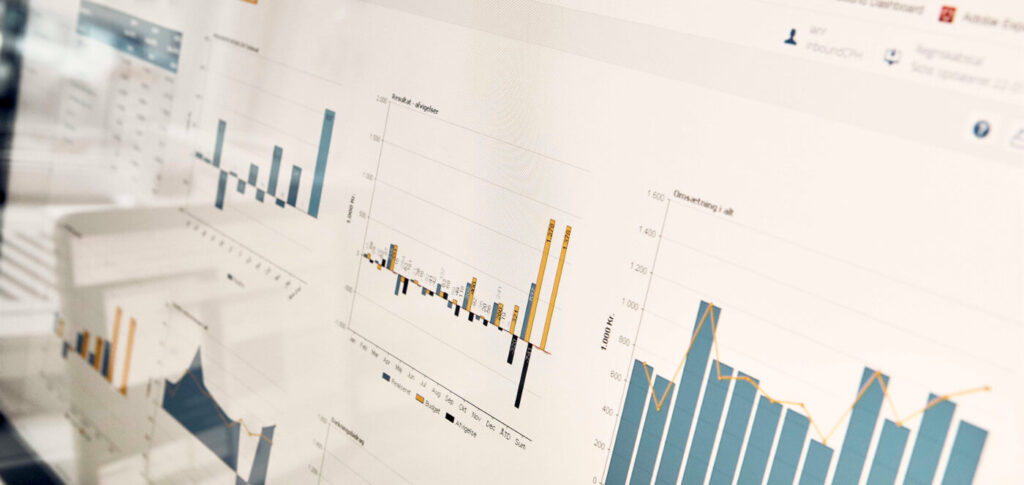
- A dashboard with clicks from Search Console and visits from GA4 side by side. See how a marketing dashboard might look like.
- Reliable measurement, e.g. server-side tracking, which does not lose data to ad blockers.
- A change log, where you'll notice a new cookie banner, a new design, and new pages with dates.
Frequently Asked Questions About Google's Spam Update
Will you be notified if Google's spam update affects your site?
No. Google’s spam updates run automatically through SpamBrain, and you won’t receive any notification in Search Console. You’ll have to compare your click-through rates before and after September 24, 2026, to see which pages have lost traffic.
When will Google's September 2026 spam update be complete?
Google began the update on September 24, 2026, and states that it may take up to two weeks—that is, until around October 8. Google will announce when it is complete on the Google Search status page.
Will AI-generated content be affected by the spam update?
Not because it was written by AI. Google's spam policies focus on content that is mass-produced and offers no value to the reader, regardless of whether it was written by a human or using a tool like ChatGPT.
Sources and Further Reading
- Google Search Status Dashboard, September 24, 2026
- Google's Spam Guidelines (Google Search Central)
- PPC Land, September 25, 2026
Not sure if you're affected?
We’ll review your Search Console and Google Analytics and let you know whether the fluctuations are due to the spam update, your tracking setup, or something else entirely. We’ll also provide recommendations on what adjustments need to be made to your tracking so you’re better prepared next time. The analysis is free and non-binding.